This transmission is usually not equipped with a Input Shaft Speed Sensor. Therefore, the controller does not use the Input Shaft Speed Sensor input for this transmission. It is possible the wrong calibration is loaded on the controller. To fix this, you should reload the default 4R70W calibration.
Connect your controller to a PC with the tuning software installed.
You can download Shiftware from our website.
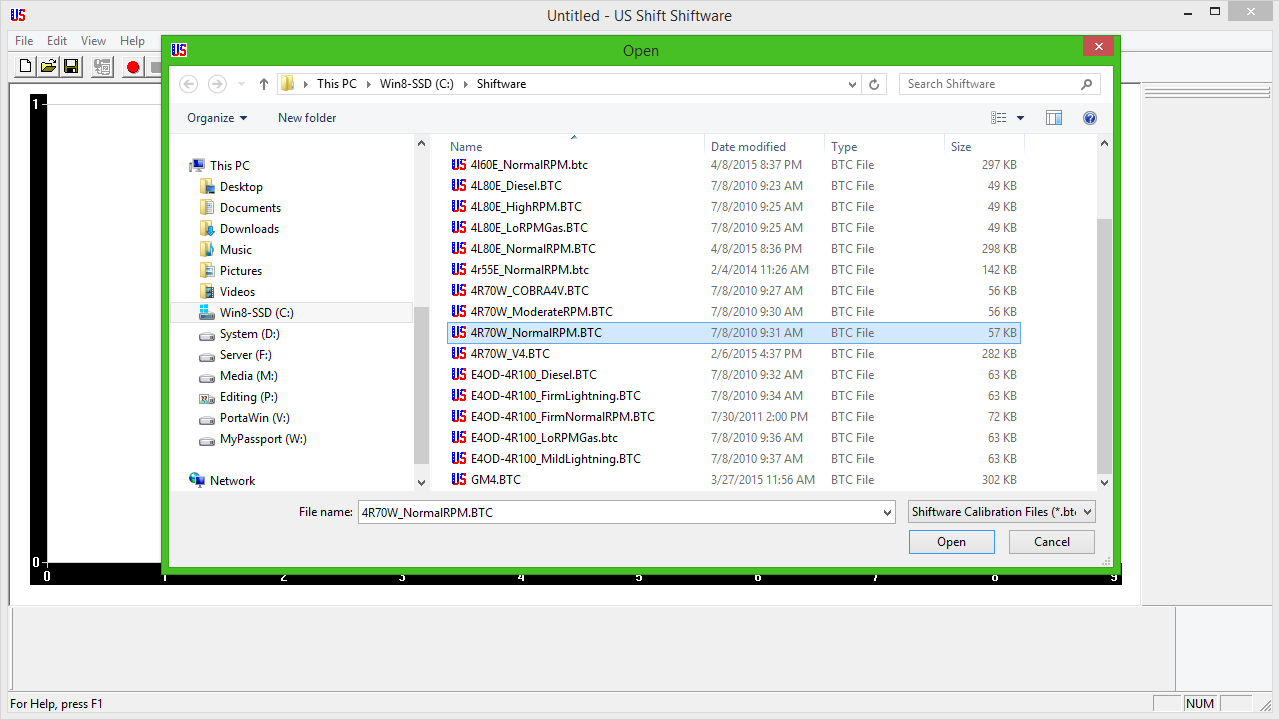
Click FILE and OPEN. You should now be in the directory with the default calibrations.
Select "4R70W_NormalRPM.BTC", as pictured below. This is the default calibration and can be modified later.
Click the "Show System Settings" button at the top.
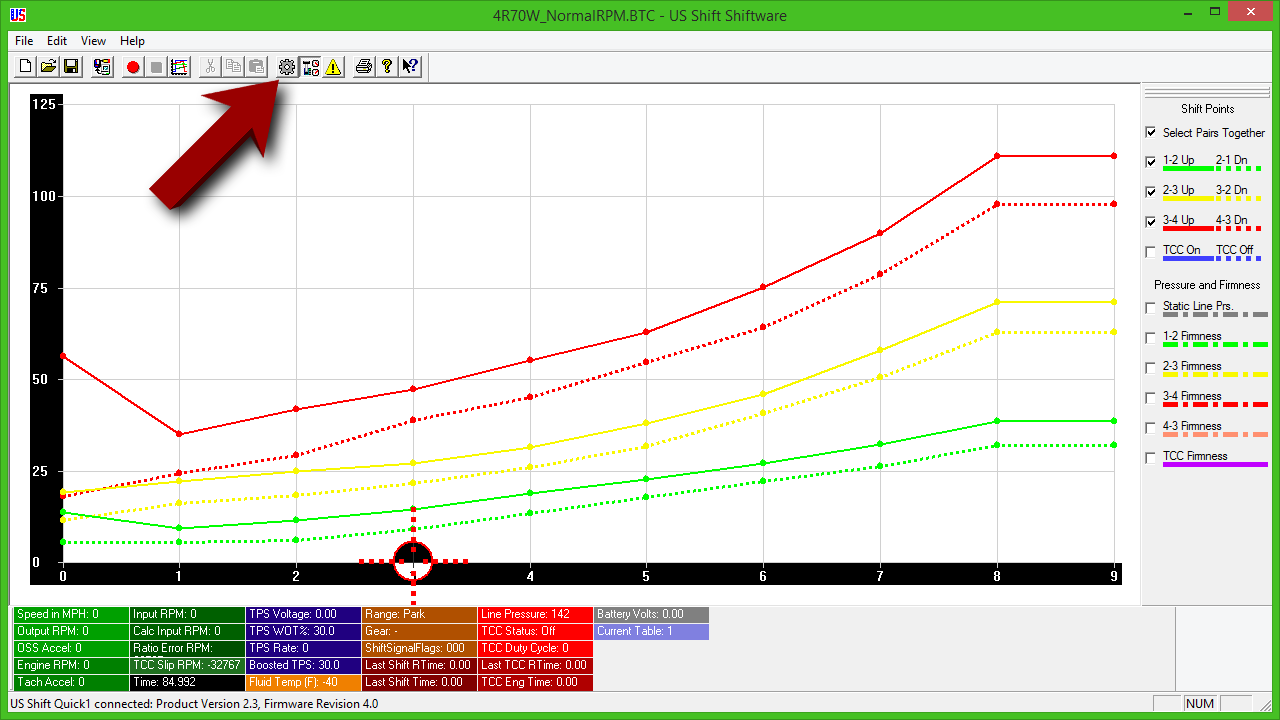
You will need to configure your settings. Usually, the only settings that need to be changed are the range sensor and speed sensor. Check these two tabs and make sure the settings match your vehicle.
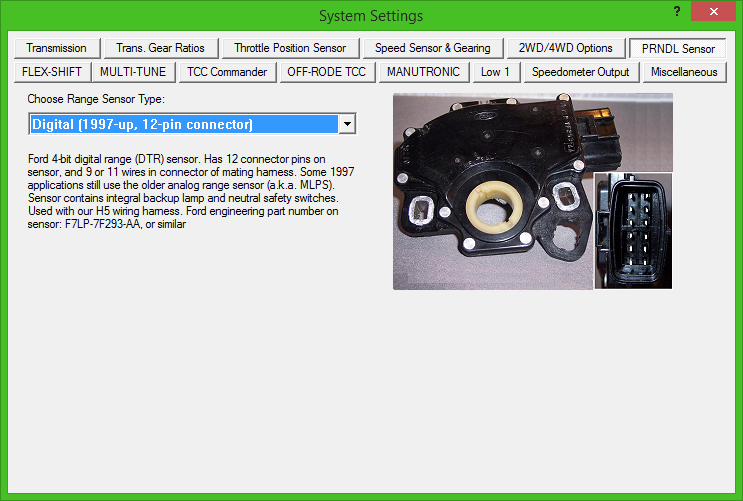
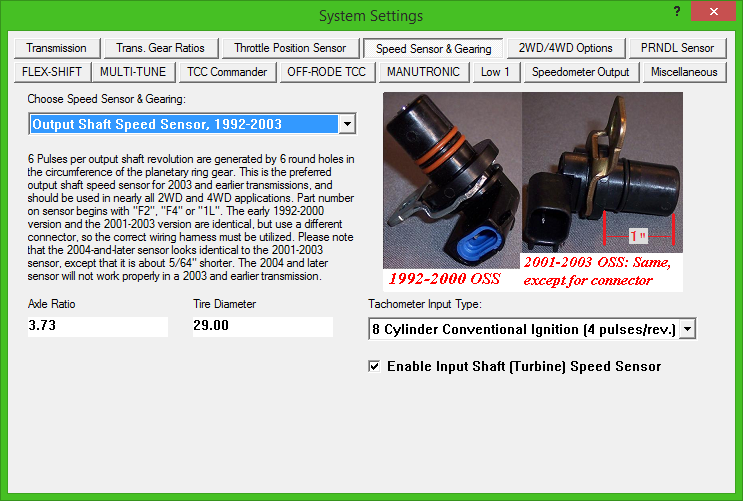
Once you are finished, close the settings page. Then, write the calibration to the controller. Disconnect the controller and put it back in your vehicle. Test it to see if the transmission is being controlled correctly.
